Posted in 21st Century Learning, Blogs and Blogging, iPad, Reading, Roanoke County Schools, Writing

Island of the Blue Dolphins


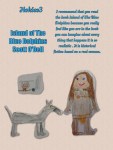
Students in Mrs. Becker’s Class created Virtual Posters after Reading Island of the Blue Dolphins.  I absolutely love how these turned out.  Students drew pictures, and then used the Pic Collage app on the iPads to take pictures of their illustrations.  They layered them on top of each other, added the text, and added the background.  It’s a great mix of student art work and digital work.  I love them!

Students even posted them to their blogs.  Take a look the link below, and leave them a comment or two on their great work!

Island of the Blue Dolphin Virtual Posters


Cross posted on the Oak Grove Digital Library

Posted in Projects, Reading, Roanoke County Schools, Writing

Video Book Reports

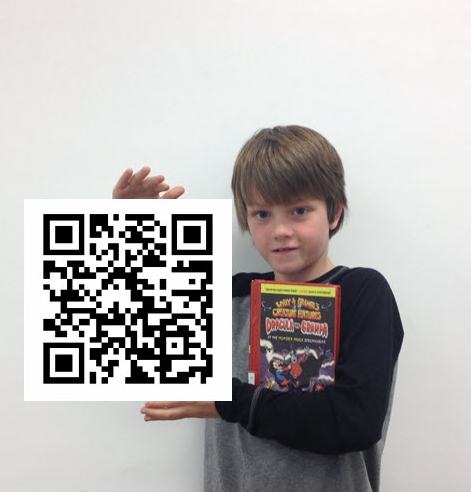
Students in Mrs. Bralley’s class created Video Book Reports.  They wrote scripts, recorded videos on the iPads, and took pictures of themselves holding their books.  After their videos were uploaded to Vimeo, they created QR codes to link to them.  Mrs. Bralley hung their pictures with the QR codes in the hall so people could scan them and listen to their book reports.  You can find their videos here: Video Book Reports   It was a great project!

Cross posted on the Oak Grove Digital Archive.

Posted in Links, Reading, Roanoke County Schools, Tech Tools

Read, Give, and Share Books Online!

wegivebooksI just found an amazing free resource and I wanted to pass it on to all of you. We Give Books is a free online library of children’s books that enables your kids to help other children around the world while they’re reading. The best part is, your reading will directly impact the great work of non-profit organizations around the world! Their tagline says it all, “combining the joy of reading with the power of giving.” It’s the perfect tool for parents, teachers, caregivers, and anyone who loves children’s books!

When you go to www.wegivebooks.org, you’ll be able to read a special selection of books without a We Give Books account, but you have to sign up to access their full library. It’s definitely worth it, though. It’s just a quick form, and once you’re signed up, you’ll have access to over 150 quality children’s books! There are a lot of familiar classic titles, and even more new ones for us to discover. You can sort the books by age level, genre, author, and seasonal selections in the “Featured” section, so everyone can find something they like.

On the Causes page you can learn more about where your donated books are going. This fall, We Give Books is focusing on early childhood literacy across the United States and supporting great causes like Jumpstart for young children. In the winter, you’ll be able to read to support global literacy and give books to non-profits like Room to Read. They also give you the option to donate to help your book donations reach even more children.

We Give Books is a program of the Pearson Foundation and Penguin Group. Penguin works with its authors to provide an outstanding selection of online books while the Pearson Foundation donates print books to charity partners. We Give Books is a great way to get your children excited about reading and to teach them about the importance of helping others.

Posted in iPad, Projects, QR Codes, Reading, Roanoke County Schools, Writing

A Wild, Wonderful World

Students in Mr. Ryder’s class embarked on a project allowing them to explore the world around Oak Grove Elementary, searching for hidden beauty and wonder.  It was based on the story Wild Shots, written by Tui De Roy for Ranger Rick magazine.  In the article, Tui shared her “Up-Close and Personal” approach to nature photography.  During a four session project, students used iPads to take pictures of things animals, plants, or anything that fascinated them.

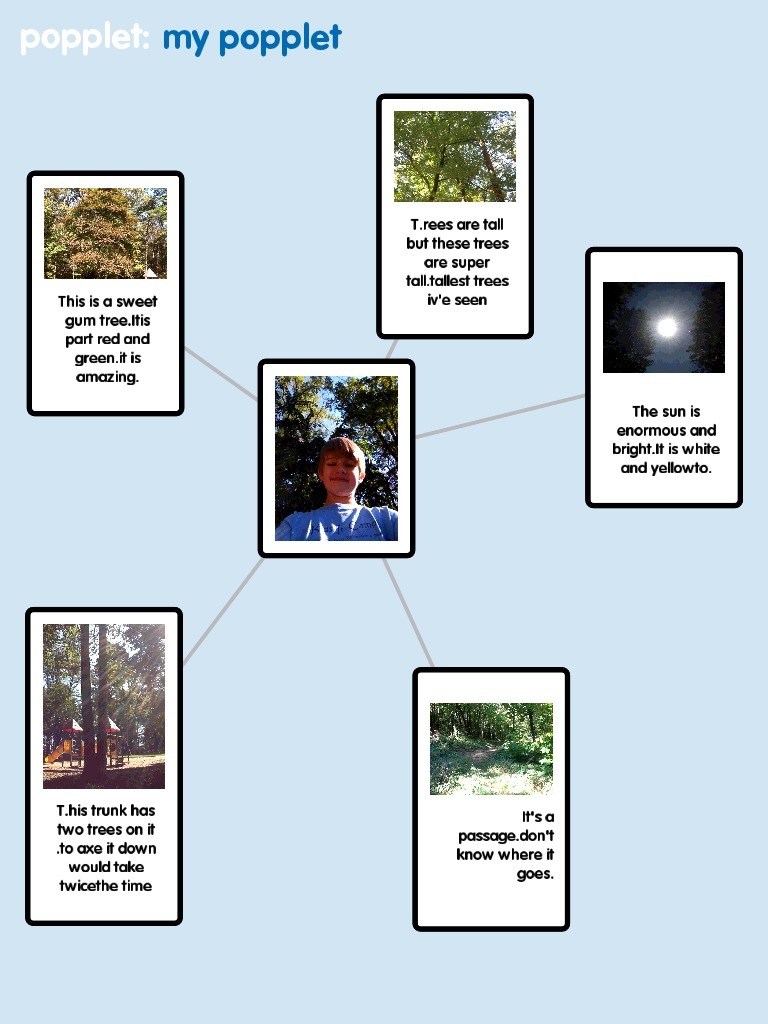
They created descriptions about their pictures using the app, Popplet.  Then using the app Videolicious, they created a slide show with their pictures and descriptions.  On the final day of the project, they presented their slide show to the class.  To display them in the hall, they posted their popplets with QR code links to their videos.


Here’s one example:

Watch the example video here.

2-17

You can see all the project on the Oak Grove Digital Library, complete with Popplets and Videos!  Please take a look.  The kids are so proud of their work.


Posted in iPad, iPod Touch, iTunes U, Reading, Roanoke County Schools, Science, social studies, Writing

Great Ready-to-Go K-5 iPad Units on iTunes U!

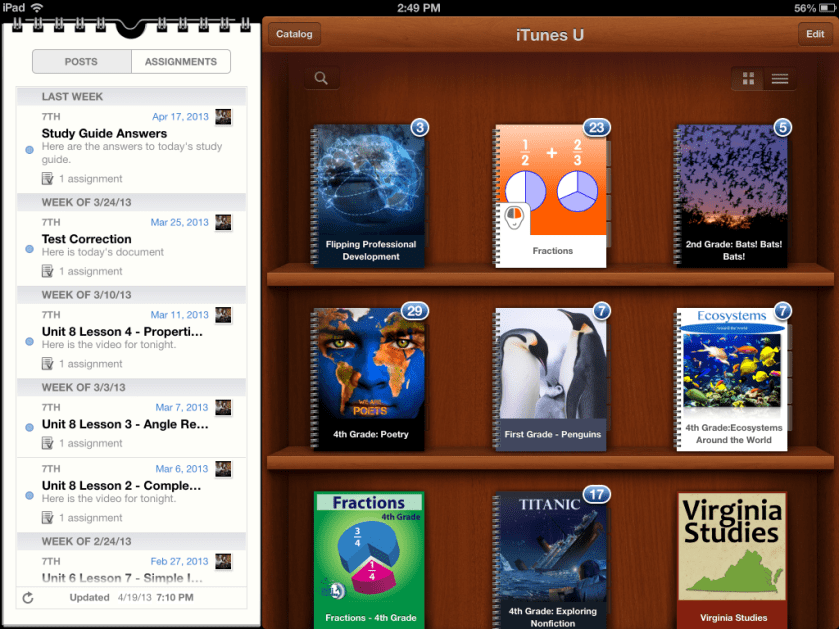
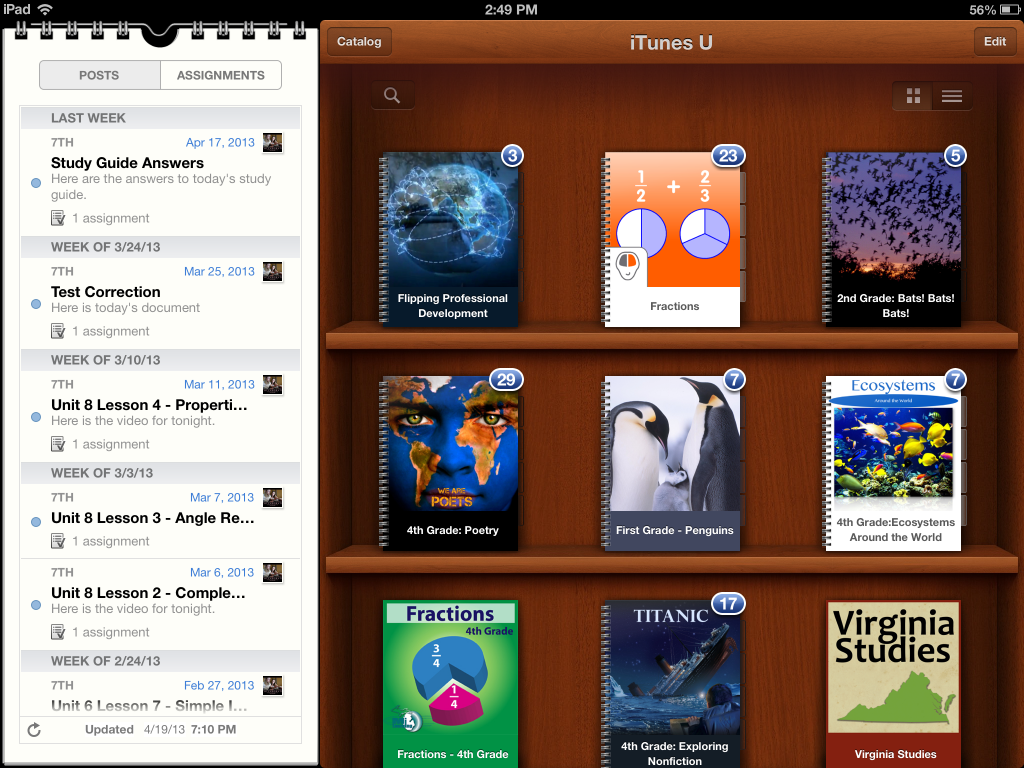
Have you checked out the courses lately in iTunes University?  The teachers at Boyne City Schools have been busy.  They have created a wide variety of iTunes U Courses on subjects that are suitable for elementary schools.  If you haven’t taken a look, make sure you do!  These courses contain activities using video, audio, ibooks, and apps.  They also include project based activities.  You do need an iPad or iPod Touch to really use these courses.  Here are a few of my favorite:

And I love their course for teachers and principals on Flipping Professional Development!

Take a look at the news article about students using these courses in class.  But don’t worry, you don’t need your students to have their very own iPads (thought it would be SO nice if they did).  These lessons would still work great with the carts we have.

Boyne City is in Michigan, so they are using Common Core Standards.  That means that some of these units might work for other grade levels in Virginia than indicated.

If you are a teacher at one of my schools and would like to use any part of these courses with your students, let me know.  I’ll make sure the course is loaded on the iPads at your school!