Posted in iPad, Lessons, Math, Projects, Roanoke County Schools, STEM

Who’s New at the GeoZoo?

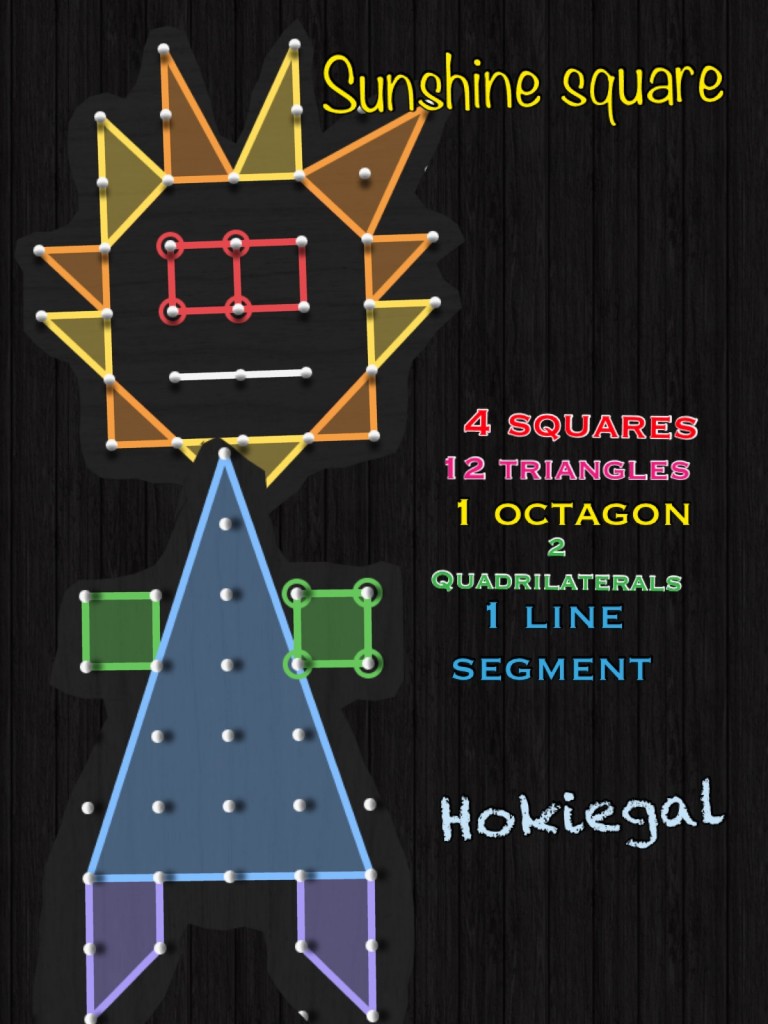
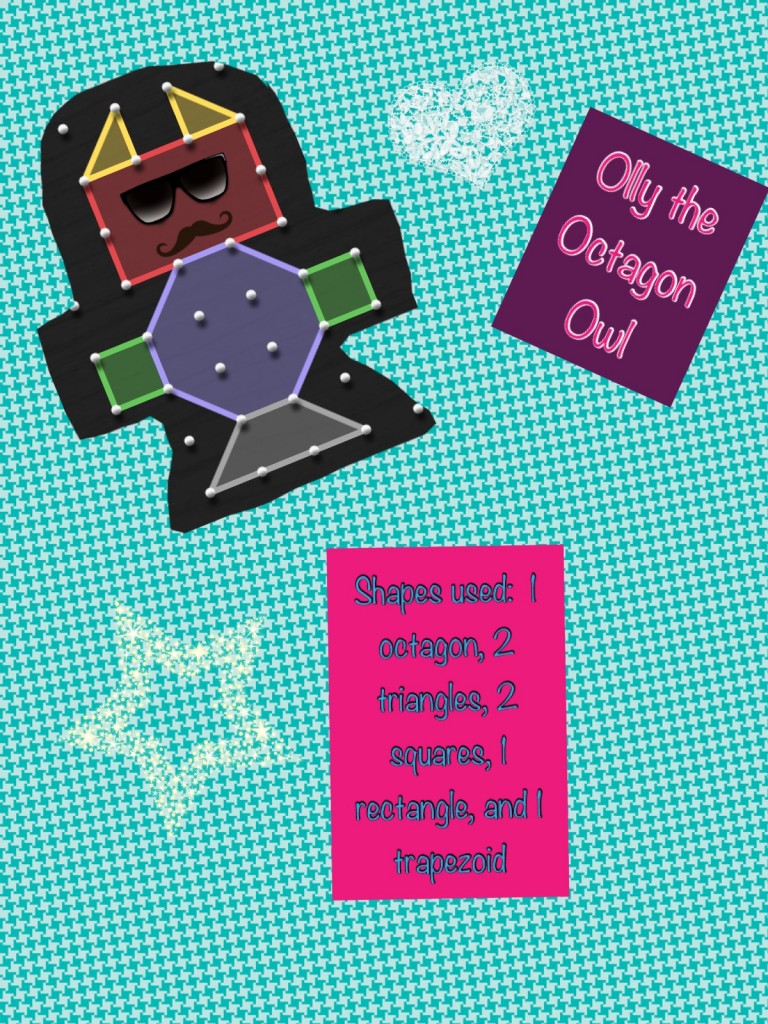
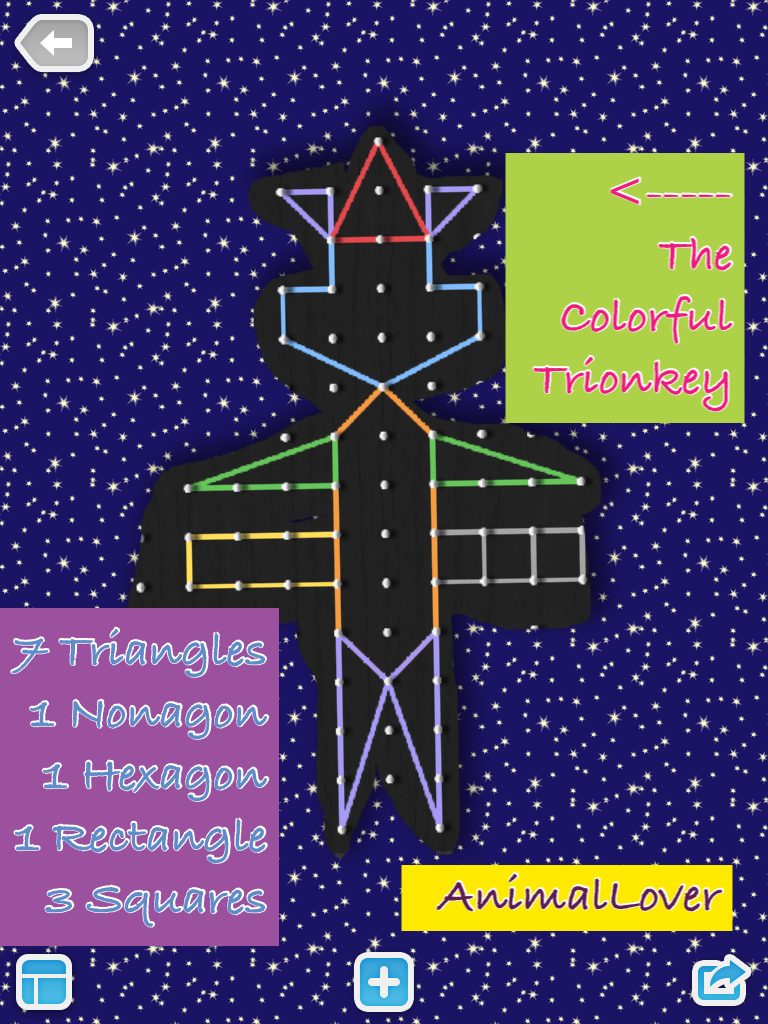
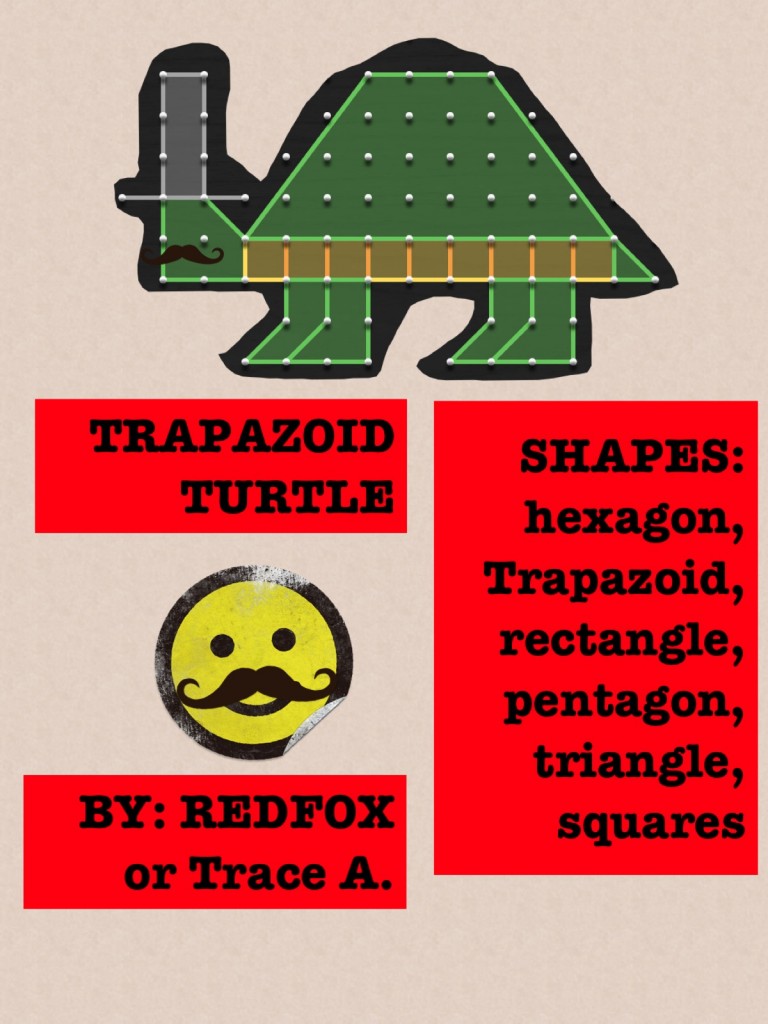
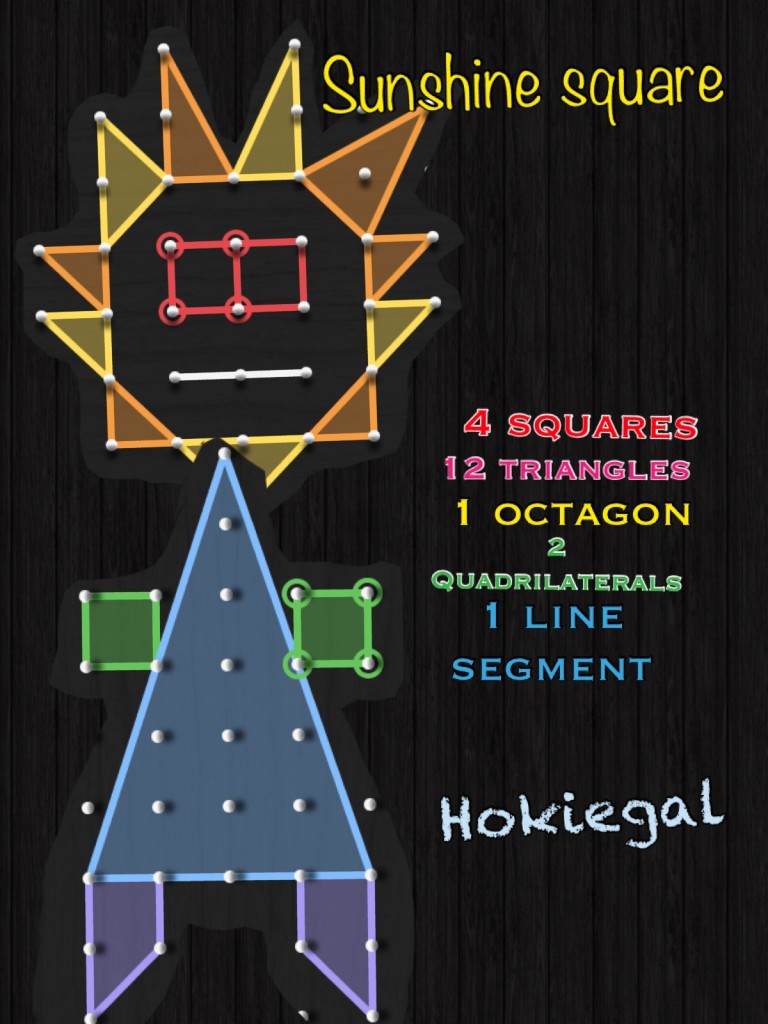
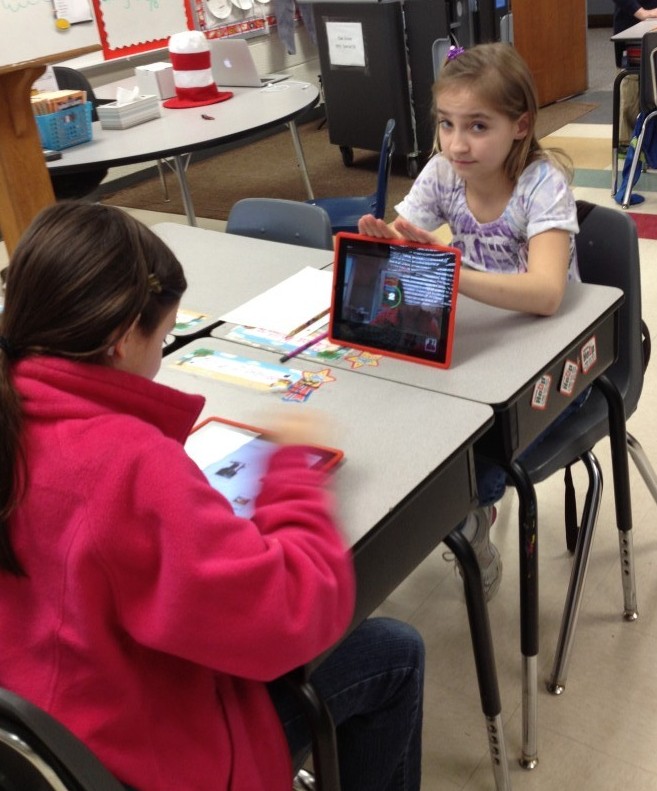
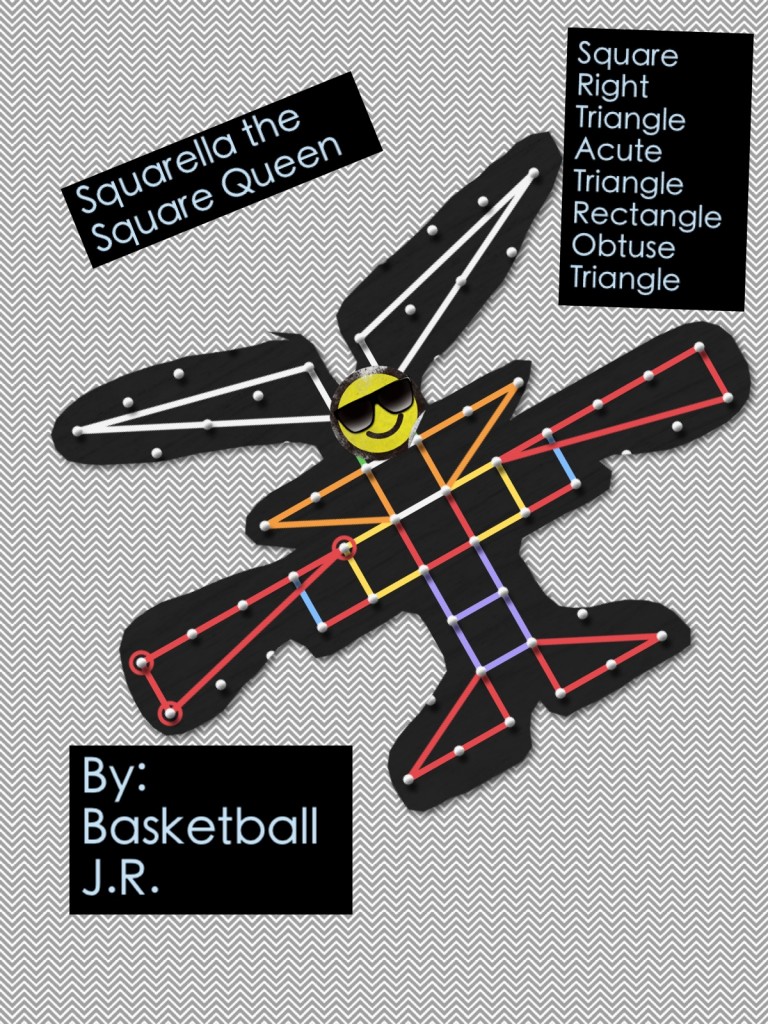
Students in Mrs. Sharp’s 5th Grade class created creatures using their geometry skills to populate “The Geo-zoo.”  Mrs. Sharp had done the activity years before using paper and shapes, but wanted to engage her students by using the iPads.  We quickly were able to transfer the activity to a digital one.

Last Year’s Paper Version
Digital Version

Thanks to the iPad apps Geoboard, Pic Collage, and Dropbox, students were able to complete a project based activity (that normally was done as a homework project) within one class period.  By the end of class time, Mrs. Sharp had a great understanding of her students’ strengths with Math SOL 5.13 (The student, using plane figures (square, rectangle, triangle, parallelogram, rhombus, and trapezoid), will develop definitions of these plane figures; and investigate and describe the results of combining and subdividing plane figures.)

Check out the process below:

The best part was that the students were completely engaged and absolutely loved their creations!  Many even posted them on their blogs :

Rock Star Laser Robot by Double O Cleo

The Triangle Vampire from by Minecraft02

Tari the Tri-con by I Love Lax

The Tri-Liger by Iron Claw

Here are few examples of their awesome work:
If you are interested in doing a similar activity with your class, here is our STEM (Children’s Engineering) design brief and a couple versions of rubrics.

Design Brief

Rubric 1

Rubric 2

Let me know how it goes! And…if you are at one of my schools, I’d love to come in to help! Ask me! 🙂
 

Posted in iPad, Lessons, Projects, Reading, Roanoke County Schools, social studies

Learning about Rosa Parks with iPads

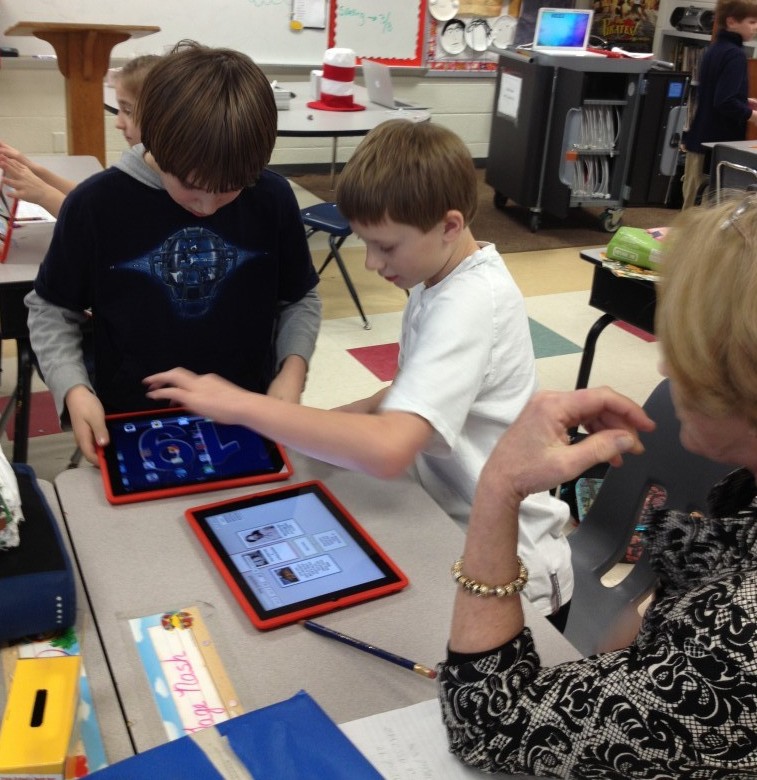
This past week, fourth graders at in Mrs. Mulvaney’s, Mrs. Downey’s, and Mrs. Wallace’s reading class have  been learning about Rosa Parks while reading the book, Rosa Parks Freedom Rider by Keith Brandt and Joanne Mattern.

To augment what they were learning in the book, they also practiced research skills to learn more about her. They used Mobicip, Popplet, and Videolicious to create videos about the facts they learned.

The project started with Mobicip. Because Safari is not filtered very much in our school system, we have opted to use Mobicip instead. Mobicip looks a lot like Safari (with tabs and a search box) and allows students to save images in the same way. Students practiced finding relevant websites to find facts about Rosa Parks and saved copyright friendly pictures of her to the iPad Camera roll.

Once students had saved pictures and done their research, they used Popplet to create a concept map. This concept map wouldserve as a storyboard for their Videolicious videos.
Finally, students partnered up. One student opened up the popplet they had created on one iPad and the other student opened up Videolicious on the other ipad. The students choose the pictures they wanted for their video. Then, the second student videoed the first student while he or she used their popplet as a guide.


It was great fun and the students learned a lot…and it was very easy. It was nice to be able to research, brainstorm, and create all on the iPad right in the classroom.

This project also made it easy to see where there were gabs in the knowledge of students, which teachers then could address.

Take a look at a few of their final projects!

Rosa Parks Example 1
Rosa Parks Example 2


Posted in Excel, Lessons, News, Projects, Roanoke County Schools

O.R.E.O.s

First Grade classes around the county participated in an O.R.E.O. project, including Mrs. Chapman’s class, Mrs. Williams’ class, Mrs. Braun’s class,  and all of Oak Grove’s First Grade!   It was tons of fun, and it all centered around cookies!!

Students stacked cookies to see how tall of a tower they could make before it tumbled and tallied their results. Then, they entered results on a spreadsheet to find a class average and to view a graph.  They discussed the data using words like greather than, less than, and equal to (see example below). 

Oreo Project Example

Click here for a  blank version of the spreadsheet.

Finally, they entered their data into a project database that included data from across the United States, and even a few other countries! To view the project results (including a map of all the participants), click here!  Globally, the class average for stacks was 18 cookies!


Here’s a few pictures from the event:
O.R.E.O. Project 2009 on PhotoPeach

http://photopeach.com/public/swf/story.swf

Oh…and just in case your wondering, we did NOT eat the ones we stacked! 😉