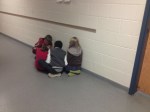
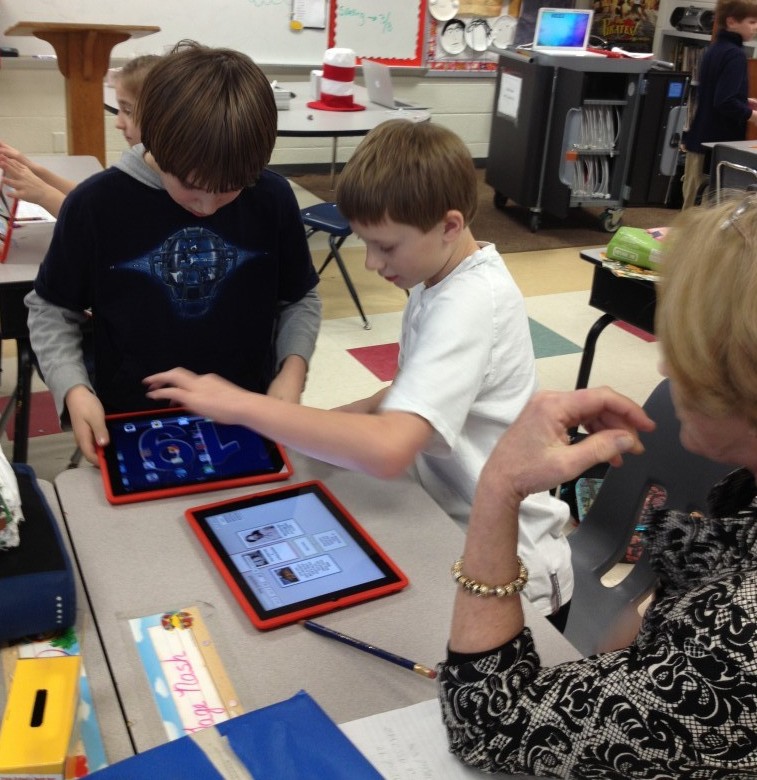
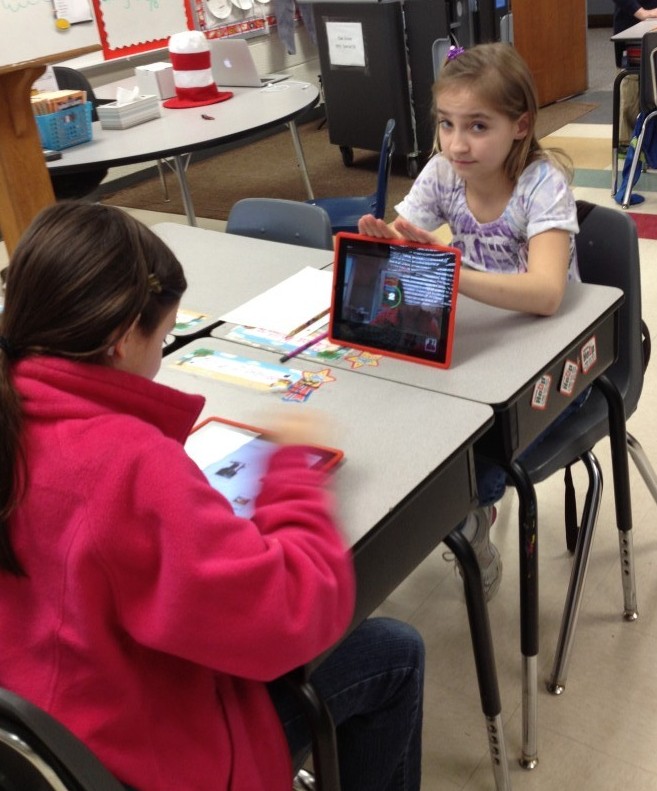
Students in Mrs. Schlosser’s class used QR codes, iPads, and videos to explore Jamestown! It was an adaptation of the geocaching activity I did with students last year. This time, instead of finding boxes in the school yard with questions in them (it was way too cold), students scanned QR codes placed in the halls of the school. The QR codes asked questions, and students used videos loaded on the iPads from HistoryIsFun.org to answer them. We did learn it was important to spread the QR codes far enough a part so that student groups didn’t feel crowded by other groups. They all had fun and learned about Jamestown too!
Category: social studies
Diversity Pic Collages
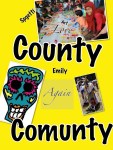
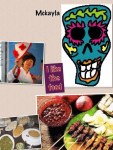
Mrs. Chamberland’s Social Studies class is studying Diversity. This past week, they used the iPad app, Pic Collage, to create digital posters showing what diversity in the United States look like. Here was their challenge:
Create a Pic Collage that helps show what diversity in Virginia looks like. Include pictures and words. You must have 3 examples of ways you see diversity in your life. You must use pictures and words in your collage.
Their projects are below!
Great Ready-to-Go K-5 iPad Units on iTunes U!
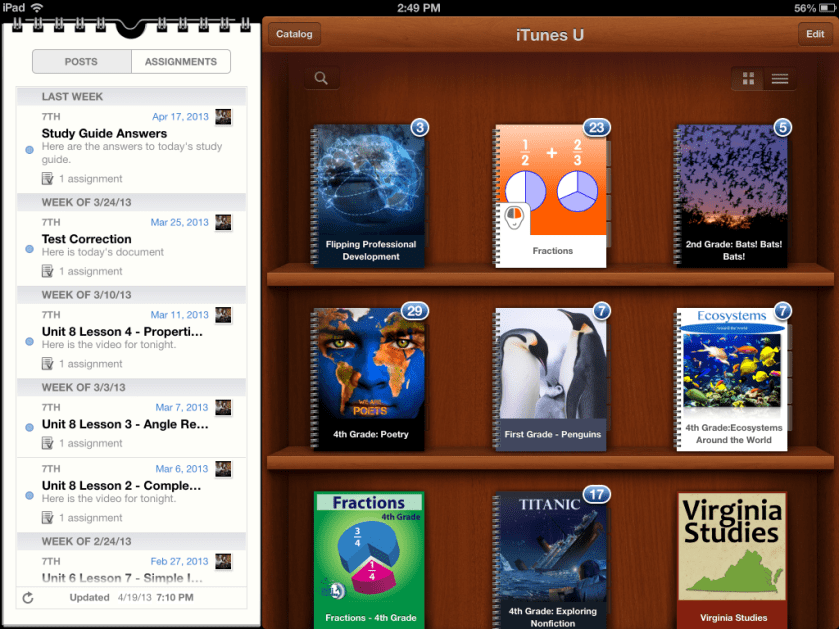
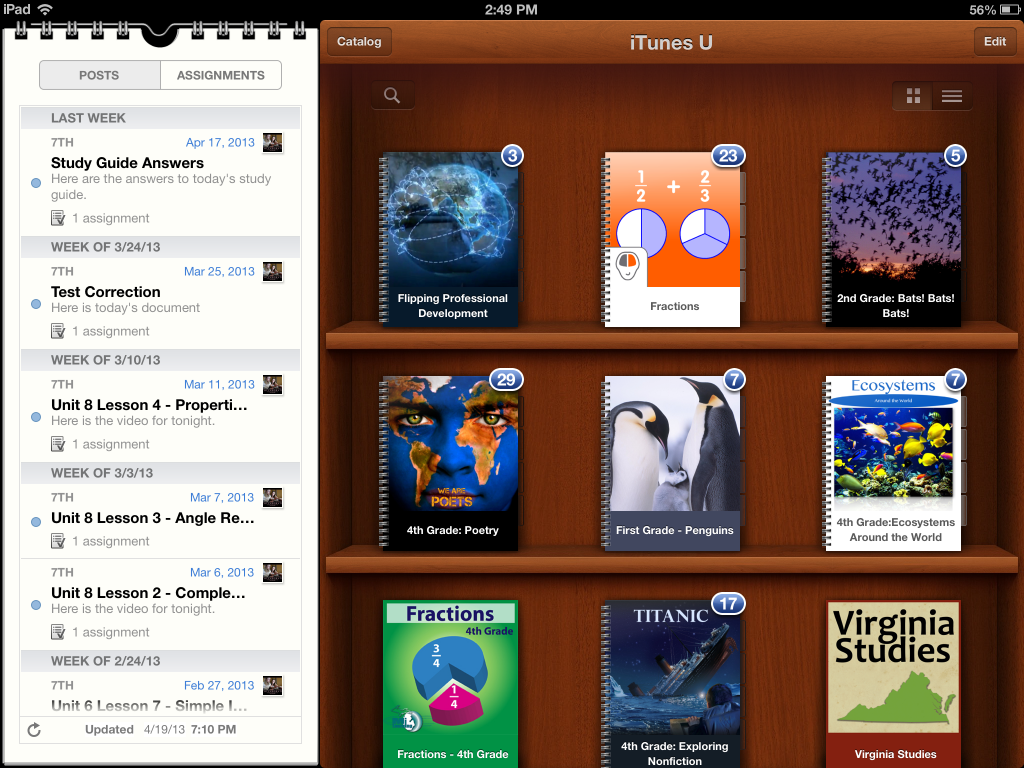
Have you checked out the courses lately in iTunes University? The teachers at Boyne City Schools have been busy. They have created a wide variety of iTunes U Courses on subjects that are suitable for elementary schools. If you haven’t taken a look, make sure you do! These courses contain activities using video, audio, ibooks, and apps. They also include project based activities. You do need an iPad or iPod Touch to really use these courses. Here are a few of my favorite:
- Penguins
- Bats! Bats! Bats!
- Balto
- Energy
- Poetry
- Exploring Nonfiction
- Solar System
- Ecosystem
- The One and Only Ivan
- Underground Railroad
- Indian in the Cupboard
- Fantastic Fungus
- Creative Writing
- Tuck Everlasting
- Regions of the United States
And I love their course for teachers and principals on Flipping Professional Development!
Take a look at the news article about students using these courses in class. But don’t worry, you don’t need your students to have their very own iPads (thought it would be SO nice if they did). These lessons would still work great with the carts we have.
Boyne City is in Michigan, so they are using Common Core Standards. That means that some of these units might work for other grade levels in Virginia than indicated.
If you are a teacher at one of my schools and would like to use any part of these courses with your students, let me know. I’ll make sure the course is loaded on the iPads at your school!
Famous People Glogs
Mrs. McGee’s class has been working hard on Glog using Glogster EDU to demonstrate their understanding of the famous people they have studied. After a quick tutorial on how to use the programs, Mrs. McGee and her students were off and running. Here are a few examples of their hard work. Click on the top right corner icon to see them full size.
http://edu.glogengine.com/view/465JqtEmfYQjM34LaCMv:6ksobb0s6ukrk6mvn7toia0http://edu.glogengine.com/view/hmZbGuuCruVtV4eOTWe0:6ksahe1s980frfndq68fka0http://edu.glogengine.com/view/n388nyskdPYFyxWvYd1Y:6kslld9brbc8vjokp53t0a0http://edu.glogengine.com/view/n388nyskdPYFyxWvYd1Y:6ksobb36egu7sn53mfdpba0
You can see all the class’ glogs on this wiki: McGee’s Class
Learning about Rosa Parks with iPads
This past week, fourth graders at in Mrs. Mulvaney’s, Mrs. Downey’s, and Mrs. Wallace’s reading class have been learning about Rosa Parks while reading the book, Rosa Parks Freedom Rider by Keith Brandt and Joanne Mattern.


To augment what they were learning in the book, they also practiced research skills to learn more about her. They used Mobicip, Popplet, and Videolicious to create videos about the facts they learned.
The project started with Mobicip. Because Safari is not filtered very much in our school system, we have opted to use Mobicip instead. Mobicip looks a lot like Safari (with tabs and a search box) and allows students to save images in the same way. Students practiced finding relevant websites to find facts about Rosa Parks and saved copyright friendly pictures of her to the iPad Camera roll.
Once students had saved pictures and done their research, they used Popplet to create a concept map. This concept map wouldserve as a storyboard for their Videolicious videos.
Finally, students partnered up. One student opened up the popplet they had created on one iPad and the other student opened up Videolicious on the other ipad. The students choose the pictures they wanted for their video. Then, the second student videoed the first student while he or she used their popplet as a guide.
It was great fun and the students learned a lot…and it was very easy. It was nice to be able to research, brainstorm, and create all on the iPad right in the classroom.
This project also made it easy to see where there were gabs in the knowledge of students, which teachers then could address.
Take a look at a few of their final projects!
Rosa Parks Example 1
Rosa Parks Example 2