Posted in 21st Century Learning, Reading, Roanoke County Schools

Following the Iditarod

Students in Mrs. Schirmer’s Fourth Grade reading class have been learning about the Iditarod.  While the event started on Saturday, they’ve spent the past few weeks reading books and researching information about it.  As part of their research, they created Musher Trading Cards using the Trading Cards iPad app by Read, Write, Think (you could use the website too). They gave each of their classmates a copy of the trading cards they made, and will watch these musher’s closely as the race progresses.  Check out their cards below!

Students will be following the Iditarod at the official site: http://iditarod.com/ and plotting progress on the classroom map.  Finally, they will skype with resident of Alaska to get first hand information about what it’s like to live there.  More on that in another post!
 

Posted in 21st Century Learning, Augmented Reality, Bots, iPad, Math, Projects, Roanoke County Schools, Science, STEM

Bringing Famous Virginians and Documents to Life

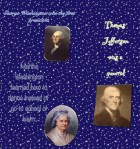
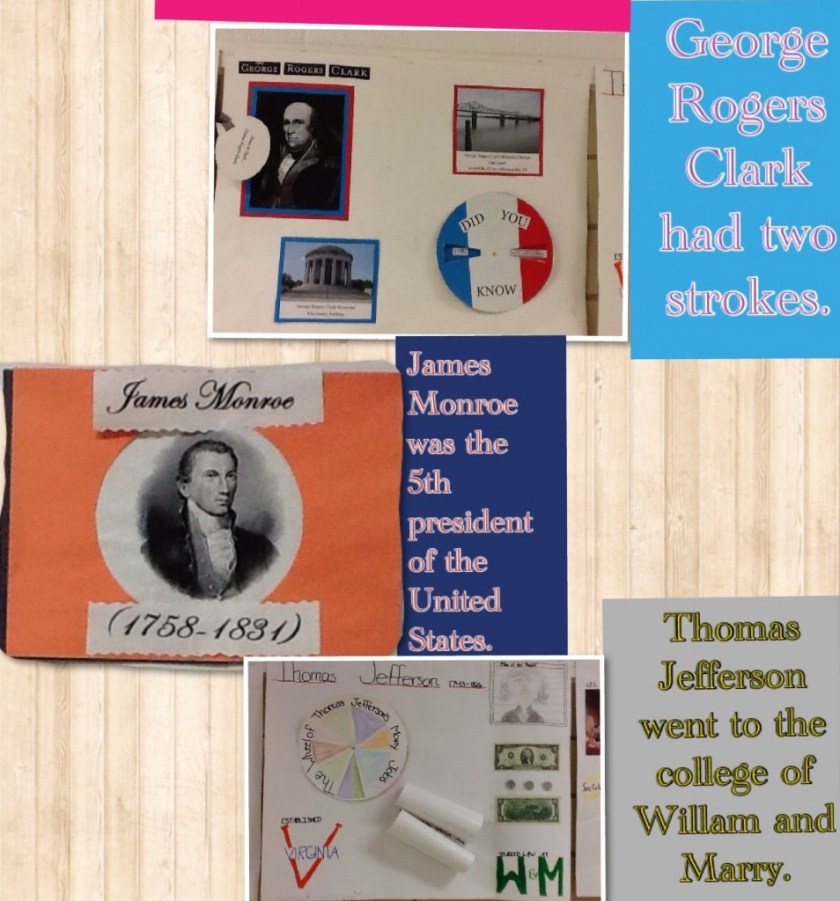
Mrs. Mulvaney’s VA Studies class created virtual reality posters to convey key information about Famous Virgnians and Famous Documents.  They used a lot of technology to create these posters.  They used Pic Collage on the iPads to create the actual poster and green screen technology to place themselves in a historical setting.  The entire project is pulled together using an app called Aurasma.  If you download the app, follow the Oak Grove Channel, and scan the posters, they will come to life with the students’ videos.  Here are directions on how to load the app.

Aurasma Directions for Oak Grove

And just in case you can’t make it to Oak Grove to scan the posters in person, here are their videos below:

Cross posted on the Oak Grove Digital Archive.

Posted in 21st Century Learning, English, iPad, Projects, Roanoke County Schools, social studies, STEM, Video

Pic Collage and Videos with Famous American Speeches

Students in Ms. Barger’s fourth grade class just finished a huge unit on Famous Americans.  As part of a STEM activity, students were responsible for writing a speech about a Famous American.  They also had to create a poster to use in their speech with a pop-up and movable part.

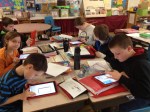
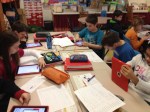
As students were given speeches, I filmed them (on their assigned iPad).  Students took notes when other students gave speeches.  Then students watched their own speech and used a self-evaluation sheet to foster self-reflection.  They used their notes and each other’s posters to create a Pic Collage containing three facts they learned from listening to other classmates’ speeches.

Students enjoyed the project, and it really gave ownership to giving speeches and listening to others.  Both these skills are important Fourth Grade English SOLs.

Posted in 21st Century Learning, Augmented Reality, English, iPad, Projects, Roanoke County Schools, Science, STEM

Kicking Machines with Augmented Reality

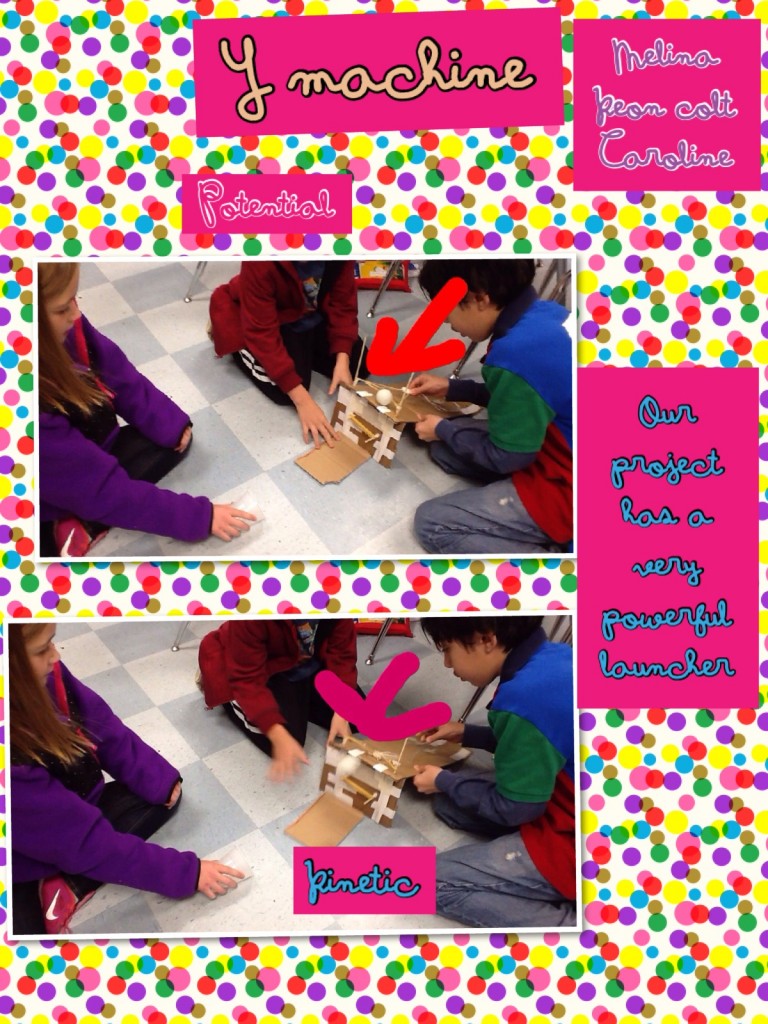
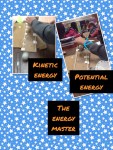
As students in Mrs. Grave’s Science class studied force and motion, they created Kicking Machines to move a ping pong ball into a cup 12 inches away. They started with the idea from the Design Squad but added a technology twist.  Once students created their machines, they used an app called VideoPix to film their Kicking Machine in action.  This app allowed students to slow down their videos. Then, they were able to capture images from the video showing the machine and ball in action.  Using these pictures, they created a Pic Collage showing potential and kinetic energy.

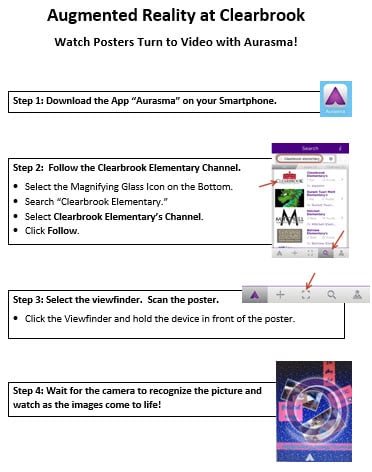
Finally, using an Aurasma app, the slow motion videos were imposed on the Pic Collage.  Now, when someone scans the Pic Collage with the Aurasma app, a video will pop up and play.  It’s hard to explain without seeing the posters in action, but here are a few examples.  If you follow the Clearbrook channel on the Aurasma app, you can scan and see their videos.

They students absolutely loved this project and were amazed at the final product.  And by the time the project concluded, students were very clear on Potential and Kinetic energy.  If you’d like to try to scan the posters and see the videos, the directions are below:

aurasma