Posted in Ideas, Links, Math, Reading, Roanoke County Schools, Science, Video

Flocabulary (Hip Hop Videos for the Classroom)

Have you heard of Flocabulary? It’s a website that does hip hop songs to help students remember certain facts. It started with SAT vocab, but has expanded to all levels and subjects. To have access to all the videos/songs you need to pay a fee, but a few are free…including the one for Egypt, which you can watch here.

Note the lyrics below the song (they are clickable) and the resources to go with it on the right hand side of the page. I will warn you…you will be singing the chorus to this in your head all day after you hear it, or at least I did! 🙂

There are other free videos too worth checking out on the site, including Confessions of a Planet (Space), On Trial! (Test Taking Vocabulary), Let Freedom Ring (Civil Rights), This Ain’t Working (American Revolution), Place Value, Scientific Method of Madness, and more!  There is a vocabulary section broken down by grade level and tons of other great videos in the paid version. You can also download songs in iTunes (for $.99 each).  Take a look (and listen).  I think you will love these!
 

Posted in iPad, Projects, Reading, Roanoke County Schools

Figurative Language with Second Grade

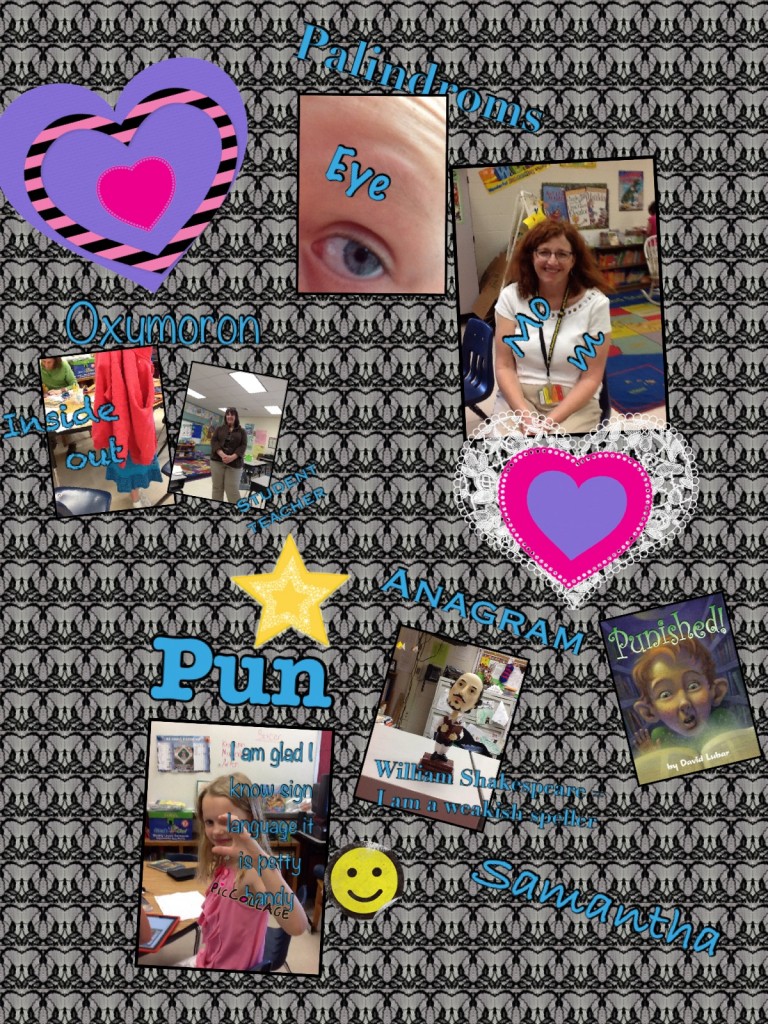
For the past few days, I’ve had the chance to work with a reading group in Mrs. Allen’s Class.  This group of students had read the book, Punished by David Lubar.  I had never read this book, but the kids LOVED it and were so excited to tell me about it.  The main character of the story is “punished” when talking back to the reference guy in the library and has to find different types of figurative language to lift the magical punishment.  The book covers types of figurative language (oxymorons, palindromes, anagrams, and puns).  Mrs. Allen wanted her students to practice creating (or finding) these types of words.

After brainstorming with the group of students, we decided that they would make a virtual poster (using iPads) containing an example of each word.  Students used the iPads to research and take (or find) pictures of the different word types.  As they went along, they kept a list of the examples they found so they would be ready to create their poster.

On day two, students used one of my favorite apps, PicCollage, to create their figurative language posters.  They were given this sheet to help them.  Below are the posters they created.


They did such a great job.  I had a blast watching their excitement over the project. Way to go Mrs. Allen’s Class!

Posted in Blogs and Blogging, iPad, Projects, Reading, Roanoke County Schools

More Popplets!

Students in Mrs. Mulvaney and Mrs. Downey’s Language Arts Class are at it again!  This time they created Cause and Effect Popplets about the book Rosa Parks: Freedom Rider.   Many of them blog with different teachers, but you can see their work by clicking on the links below.

They were excited to learn how to post their work to their own blog too.  Keep an eye out for more projects by this class!
Posted in iPad, Lessons, Projects, Reading, Roanoke County Schools, social studies

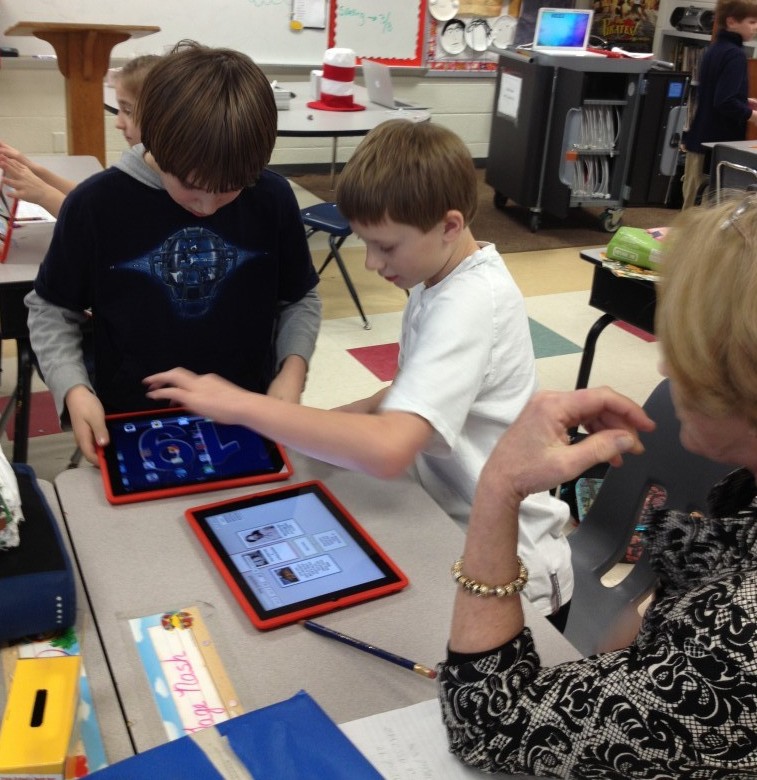
Learning about Rosa Parks with iPads

This past week, fourth graders at in Mrs. Mulvaney’s, Mrs. Downey’s, and Mrs. Wallace’s reading class have  been learning about Rosa Parks while reading the book, Rosa Parks Freedom Rider by Keith Brandt and Joanne Mattern.

To augment what they were learning in the book, they also practiced research skills to learn more about her. They used Mobicip, Popplet, and Videolicious to create videos about the facts they learned.

The project started with Mobicip. Because Safari is not filtered very much in our school system, we have opted to use Mobicip instead. Mobicip looks a lot like Safari (with tabs and a search box) and allows students to save images in the same way. Students practiced finding relevant websites to find facts about Rosa Parks and saved copyright friendly pictures of her to the iPad Camera roll.

Once students had saved pictures and done their research, they used Popplet to create a concept map. This concept map wouldserve as a storyboard for their Videolicious videos.
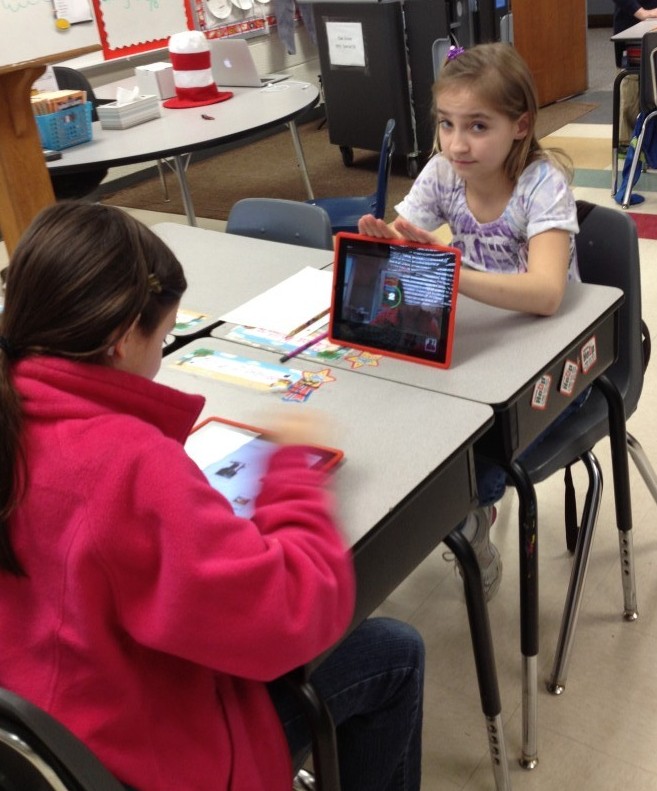
Finally, students partnered up. One student opened up the popplet they had created on one iPad and the other student opened up Videolicious on the other ipad. The students choose the pictures they wanted for their video. Then, the second student videoed the first student while he or she used their popplet as a guide.


It was great fun and the students learned a lot…and it was very easy. It was nice to be able to research, brainstorm, and create all on the iPad right in the classroom.

This project also made it easy to see where there were gabs in the knowledge of students, which teachers then could address.

Take a look at a few of their final projects!

Rosa Parks Example 1
Rosa Parks Example 2