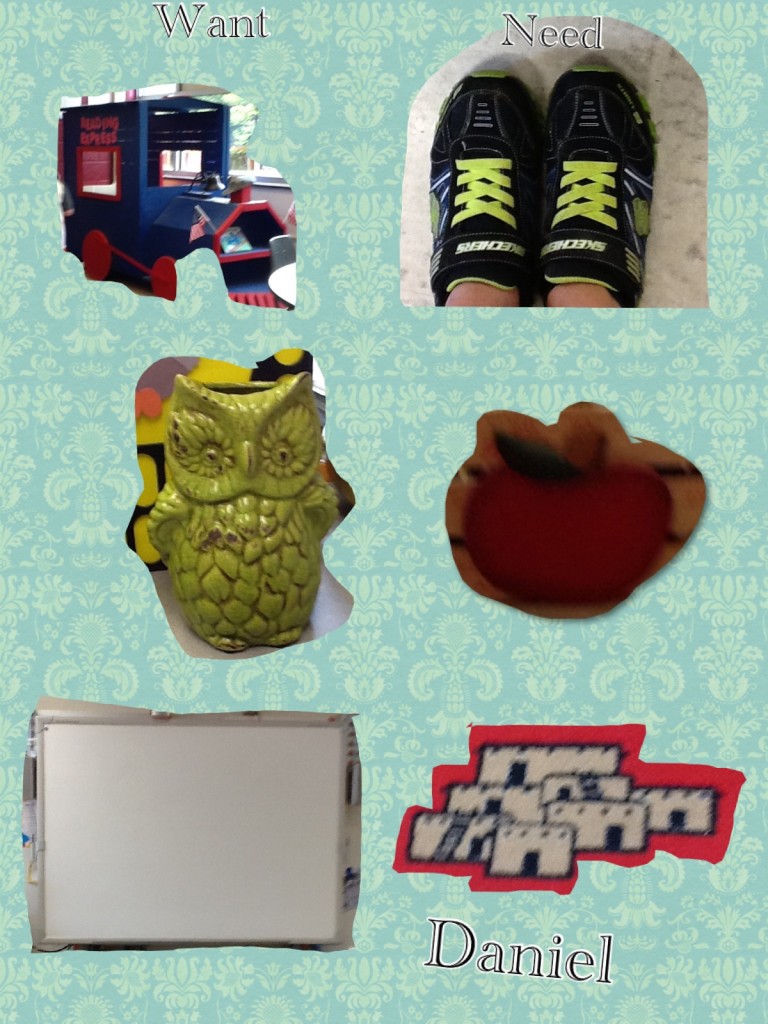
Students in Mrs. Atkin’s and Mrs. Glowenski’s classes created Needs and Wants Posters using Pic Collage on the iPads. They used the camera feature to take pictures of items around their classroom. Many students found creative ways to represent concepts, especially wants. I love that most any age can use Pic Collage. It is definitely one of my favorite apps. Check out a few examples of the First Graders’ work below:
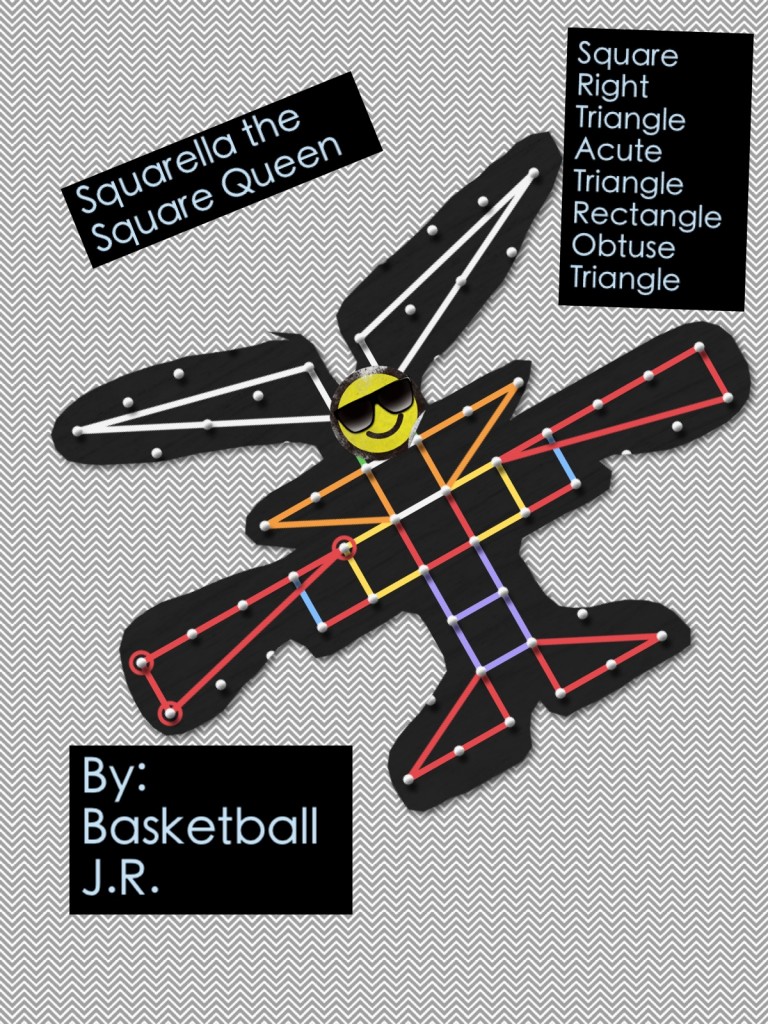
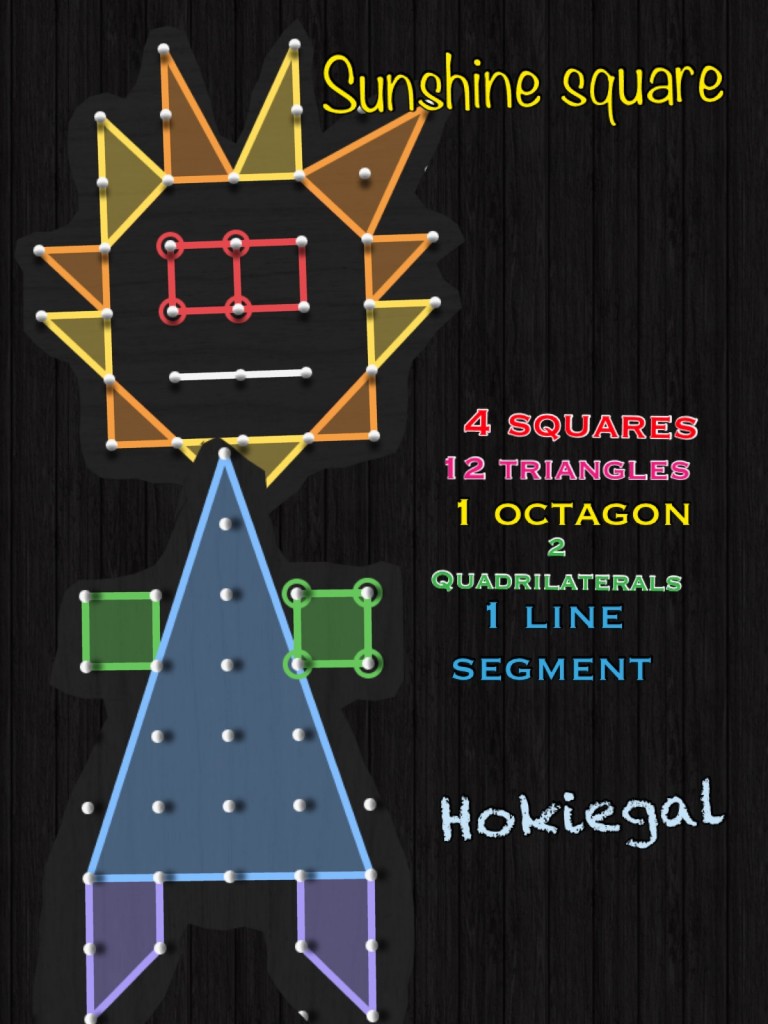
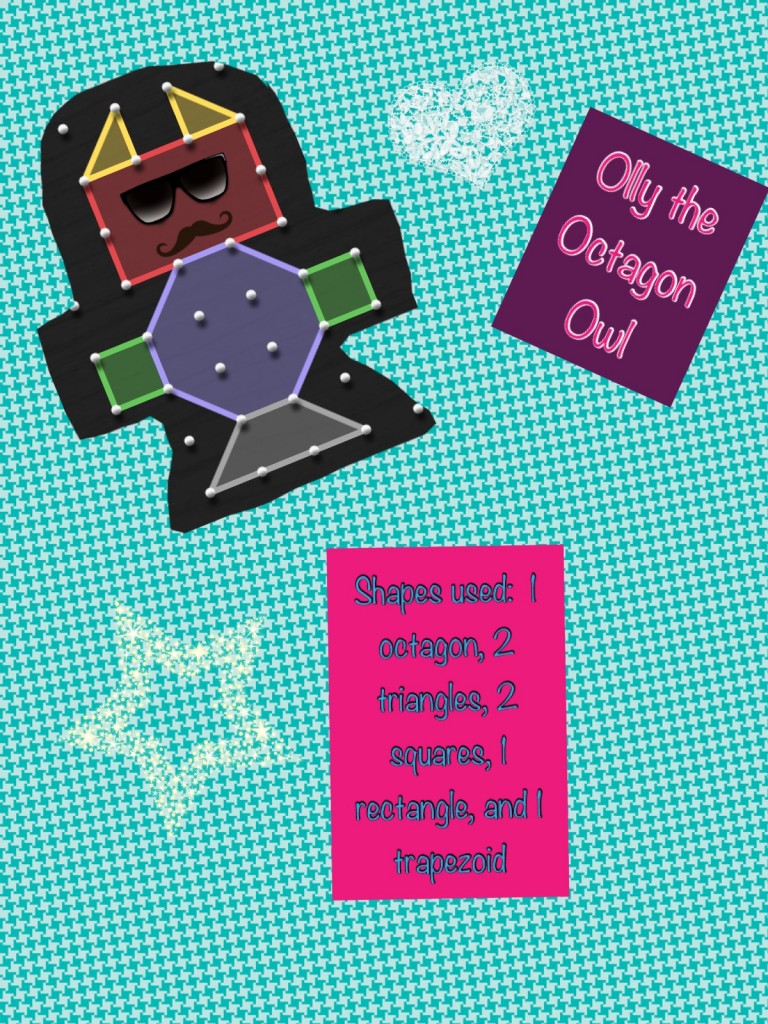
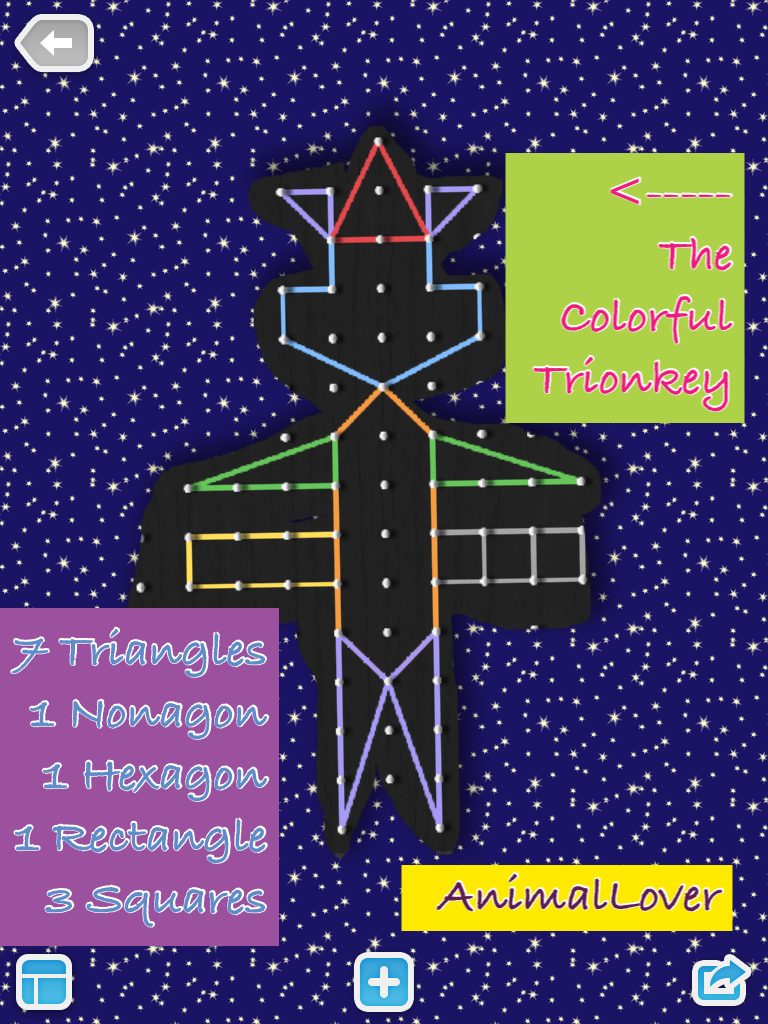
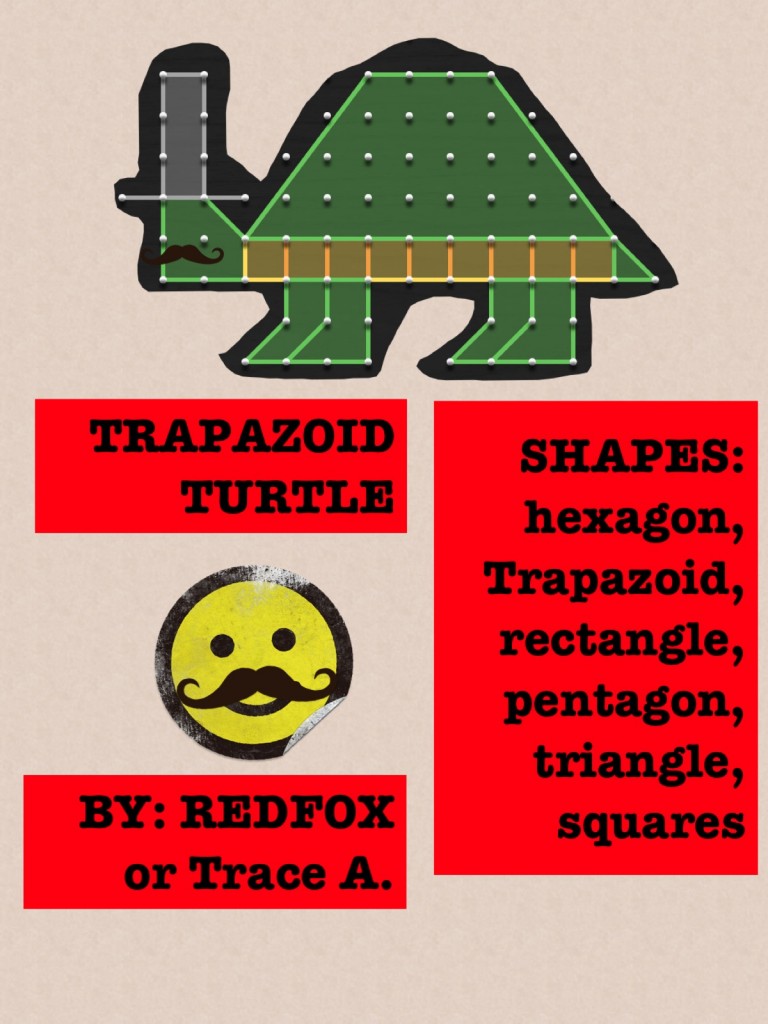
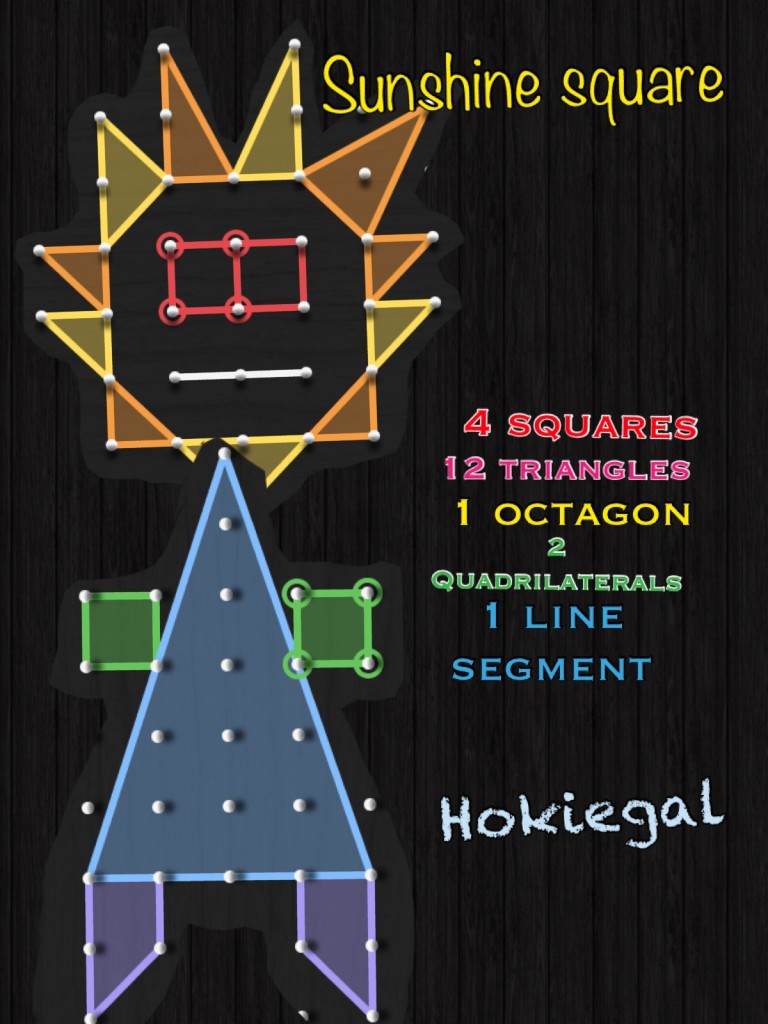
Students in Mrs. Sharp’s 5th Grade class created creatures using their geometry skills to populate “The Geo-zoo.” Mrs. Sharp had done the activity years before using paper and shapes, but wanted to engage her students by using the iPads. We quickly were able to transfer the activity to a digital one.
Last Year’s Paper VersionDigital Version
Thanks to the iPad apps Geoboard, Pic Collage, and Dropbox, students were able to complete a project based activity (that normally was done as a homework project) within one class period. By the end of class time, Mrs. Sharp had a great understanding of her students’ strengths with Math SOL 5.13 (The student, using plane figures (square, rectangle, triangle, parallelogram, rhombus, and trapezoid), will develop definitions of these plane figures; and investigate and describe the results of combining and subdividing plane figures.)
Check out the process below:
The best part was that the students were completely engaged and absolutely loved their creations! Many even posted them on their blogs :
If you are interested in doing a similar activity with your class, here is our STEM (Children’s Engineering) design brief and a couple versions of rubrics.
I absolutely LOVE Pic-Collage because it can be used in any subject or grade level. Think virtual poster. It’s safe (you can turn off the ability to pull pictures from the web in settings), and it’s FREE. It’s pretty intuitive if you play around with it, but just in case, here’s a tutorial on how to use it:
Students in Mrs. Mulvaney’s and Mrs. Downey’s class have been reading a book about the San Francisco Earthquake. Mrs. Downey created an activity where students used iPads to demonstrate their understanding of the parts of a non-fiction book, as well as a few concepts from the book itself. These students had worked with Pic Collage before when creating bat posters, but this is the first time they worked on a project without any technology support from me. They did a wonderful job and even posted their creations on their blogs! Check out a few examples below! If you would, while you are checking them out, leave a comment! The student’s love to get comments on their work!



 Teaching with Technology