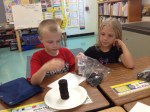
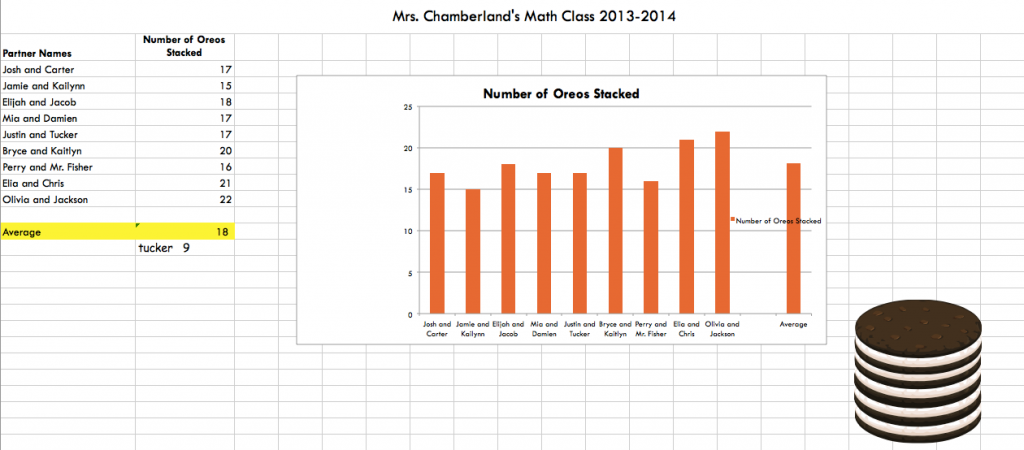
Mrs. Chamberland’s class participated in the great O.R.E.O. Project this year! These second graders used their estimation, counting, and graphing skills during this project. They submitted their results online, and compared the number of oreos they stacked with people all over the world!
Take a look at an example graph they made in Excel!
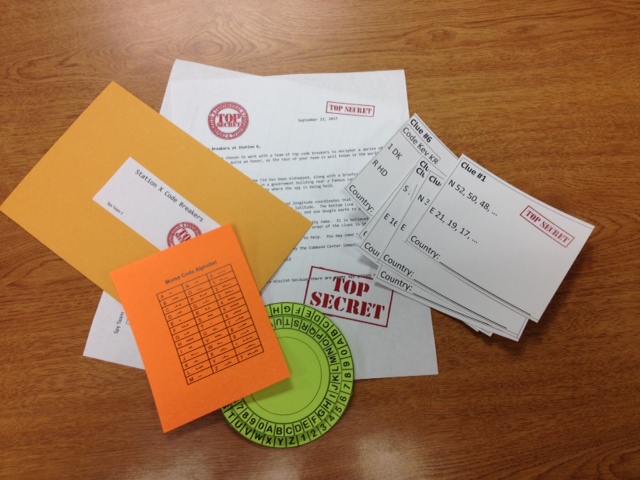
Need a fun, cross curricular way to introduce Latitude and Longitude to your students? Here’s a Math/Social Studies Lesson using spies, secret codes, and google earth. What can be better than that?
It addresses Math SOL 4.15, 5.14 and Global Studies SOL GS.1.
First, make sure students understand how to use Google Earth to find specific points on Earth using latitude and longitude. You will want to make sure that the status bar in google earth is showing (View>Status Bar) so that you can clearly see the latitude and location of your point on the globe. You will also want to cut off all layers except those that show countries.
Students also need some background in finding patterns in a series of numbers. It may also help if they’ve done a bit of code breaking before (although it’s not necessary). Then, present groups of students with their secret envelope and access to Google Earth, and sit back to see what they can figure out!
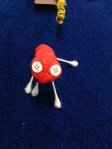
Students at Clearbrook in Mrs. Schlosser’s class participated in a STEM project to learn more about the Regions of Virginia. Students were divided into groups and given boxes and various art supplies (paper, Q-tips, playdough, puff balls, yard, beads, and a few other supplies). Using the materials they had and research materials (textbooks and various websites), their task was to create a Mystery box full of clues about the region of Virginia their group was assigned.
Example-Piedmont Region
They needed to have at least 14 clues, including clues about products, industries, land forms, water features, animals, renewable and non-renewable resources. At least four of the items had to be 3-dimensional, and one clue could be a written word.
Cow
River-Water Feature
Horse
At the very end, students created a QR code to place on their box with the answer to the “Mystery Region.” Other students can now use the clues in the box to guess what region the box represents, and then check their answer by scanning the QR code. They also wrote each day in their journals to describe what they had learned during their work that day.
Not only did students learn about the Regions of Virginia with this project, they used the 21st Century Skills of Collaboration, Communication, Creativity, and Problem Solving.
I can’t take credit for writing this activity. It was written by a group of us during a STEM committee meeting. Here are the handouts if you want a look!
It’s a new school year, and 2nd graders at Clearbrook have been discussing the rules for 2nd grade, their school, and their community. They used Pic Collage to make rule posters!
This was a great project for introducing how to use Pic Collage, for practicing working in groups, and for learning to transfer work using the dropbox app. I’m looking forward to see what other things they create with this app in the coming months!





 Teaching with Technology